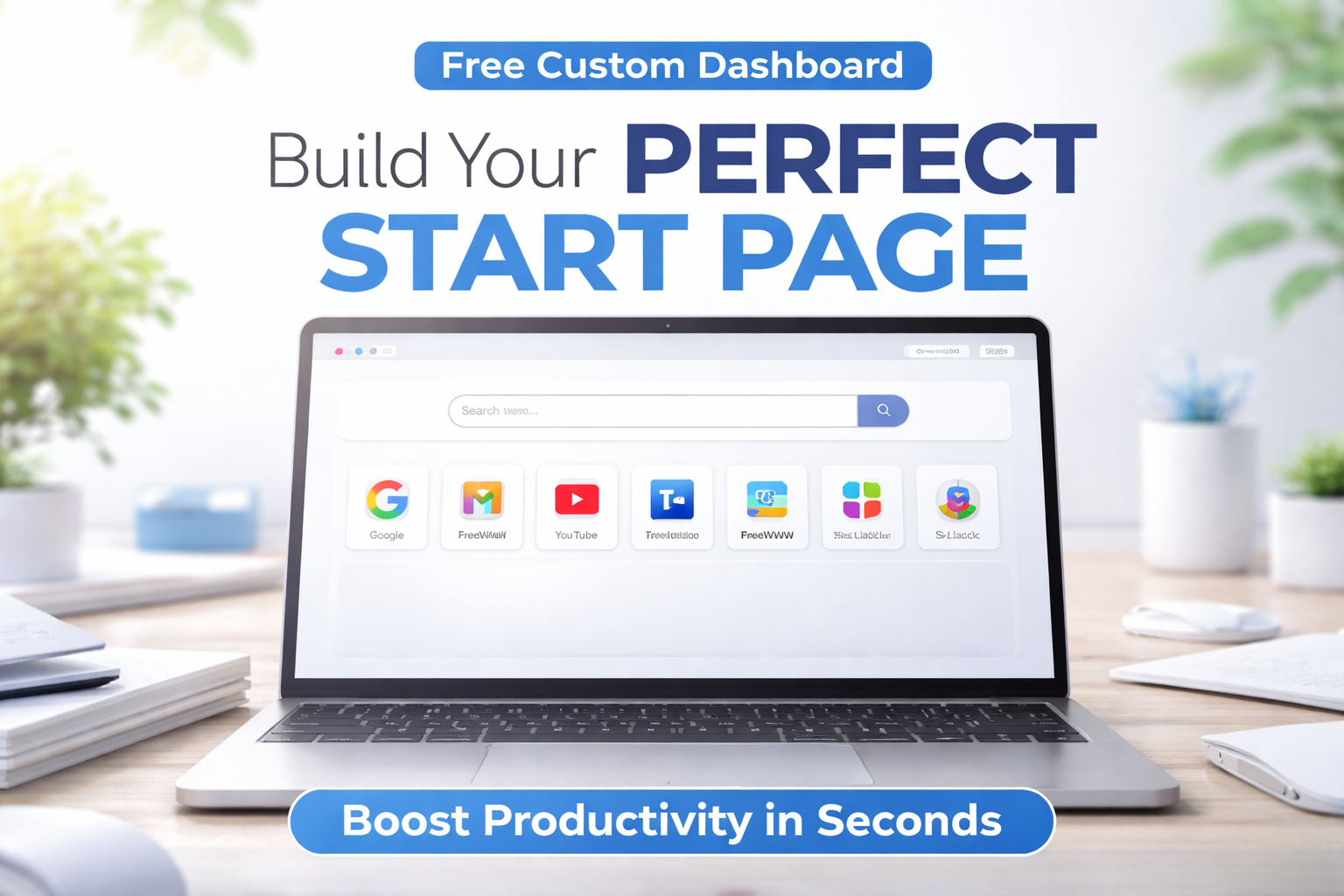
Custom Browser Start Page Generator for Productivity
Table of Contents
Introduction to Browser Start Page Generator
Understanding Custom Start Pages
Key Features of a Browser Start Page Generator
Benefits of Using a Custom Start Page
How to Create a Custom Start Page
Best Use Cases for Different Users
Custom Start Page vs Browser Extensions
SEO and Productivity Connection
Tips to Optimize Your Browser Start Page
Future of Browser Customization
Conclusion
FAQs
Introduction to Browser Start Page Generator
Let me ask you something—what’s the first thing you see when you open your browser? A cluttered page? Random bookmarks? Or just a blank tab staring back at you?
That’s exactly where a browser start page generator comes in. It transforms your boring default tab into a powerful, personalized workspace. Think of it like turning your messy desk into a clean, organized control center.
What is a Browser Start Page Generator
A browser start page generator is a tool that allows you to design your own homepage. Instead of relying on your browser’s default layout, you can create a custom start page with everything you need—links, tools, and shortcuts—all in one place.
It’s basically your personal command center. Whether it’s work apps, study materials, or daily tools, everything is just one click away.
Why Productivity Matters in Daily Browsing
We spend hours online every day. Even saving a few seconds per task can add up quickly. A well-designed productivity homepage removes friction and helps you focus on what matters.
Imagine opening your browser and instantly accessing your most-used tools. No distractions. No wasted time. That’s real productivity.
Key Takeaways
- A browser start page generator helps you create a personalized dashboard
- A custom browser homepage boosts productivity and saves time
- Clean layouts reduce distractions and improve focus
- Works better than heavy extensions in many cases
- Ideal for students, professionals, and entrepreneurs
Understanding Custom Start Pages
What is a Custom Browser Homepage
A custom browser homepage is a personalized version of your browser’s default tab. You can design it based on your needs—whether that’s work, study, or daily browsing.
Think of it like customizing your phone’s home screen. You choose what matters most and keep it front and center.
Difference Between Default and Custom Start Pages
Default pages are generic. They don’t care about your workflow. But a custom start page adapts to you.
With a custom setup, you get:
- Personalized links
- Organized layout
- Faster access
It’s like switching from a basic phone to a smart one.
Key Features of a Browser Start Page Generator
Quick Access Links and Shortcuts
One of the best parts of a quick access links page is speed. You don’t need to type URLs or search repeatedly.
Everything you use daily—emails, CRM, tools—is just one click away.
Customizable Layout and Design
A good homepage generator lets you control the layout. Grid, list, minimal—your choice.
You can design your page based on your workflow, making it both functional and visually clean.
Minimal and Distraction Free Interface
A minimal start page eliminates unnecessary clutter. No ads. No noise. Just what you need.
It’s like working in a clean room versus a messy one. The difference is huge.
Benefits of Using a Custom Start Page
Improved Productivity and Focus
When your workspace is organized, your mind follows. A productivity tools homepage helps you stay focused.
No distractions means more work done in less time.
Faster Navigation and Time Saving
Every second counts. With a customizable new tab, you cut down on unnecessary clicks.
Over time, this adds up to hours saved.
Better Organization of Daily Tools
A personal dashboard builder helps you organize tools in one place.
No more switching tabs endlessly. Everything is structured and accessible.
How to Create a Custom Start Page
Step by Step Setup Guide
Creating a custom browser homepage is simple:
- Open a browser start page generator
- Add your favorite links
- Customize layout
- Save and set as homepage
Within minutes, you’ll have a fully functional dashboard.
Choosing the Right Layout for Your Needs
Your layout should match your workflow. If you multitask, go for a grid. If you prefer simplicity, choose minimal.
The goal is clarity, not complexity.
Best Use Cases for Different Users
For Students and Learning
Students can use a new tab page creator to organize:
- Study links
- Notes
- Online classes
It becomes a central hub for learning.
For Professionals and Remote Work
Professionals benefit from a browser dashboard that includes:
- CRM
- Project tools
Everything needed for work is ready instantly.
For Entrepreneurs and Digital Marketers
Entrepreneurs can build a productivity homepage with:
- Analytics
- Funnels
- Ads dashboards
It keeps business operations streamlined.
SEO and Productivity Connection
How Start Pages Improve Workflow Efficiency
A structured browser homepage customization improves workflow. When tools are organized, tasks become easier.
This indirectly boosts productivity and output quality.
Reducing Digital Distractions
Distractions kill productivity. A minimal start page removes unnecessary elements.
It’s like putting blinders on a horse—focused and forward-moving.
Tips to Optimize Your Browser Start Page
Keep It Clean and Minimal
Don’t overload your page. Stick to essentials.
A clean custom start page performs better.
Use Only Essential Tools and Links
Too many links create confusion. Keep only what you use daily.
Less is more.
Regularly Update Your Dashboard
Your needs change. Update your personal dashboard builder accordingly.
Keep it relevant.
Future of Browser Customization
AI and Smart Dashboards
The future is smart. AI will automate layouts and suggest tools based on usage.
Your browser dashboard will evolve with you.
Personalized Productivity Systems
Customization will go deeper. Fully adaptive systems will optimize your workflow.
Your browser will become your assistant.
Conclusion
A browser start page generator is more than just a tool—it’s a productivity upgrade. It transforms how you start your day online.
Instead of chaos, you get clarity. Instead of distractions, you get focus. And over time, those small improvements create massive results.
FAQs
What is a browser start page generator used for
It helps create a personalized homepage for faster access and better productivity.
How does a custom start page improve productivity
It reduces time spent navigating and keeps essential tools organized.
Is a custom homepage better than browser extensions
Yes, it is faster and does not consume extra memory.
Can I create a minimal start page easily
Yes, most tools allow quick setup with simple layouts.
What is a personal dashboard builder
It is a tool that lets you organize links and tools in one place.
Is a quick access links page useful for daily work
Absolutely, it saves time and improves efficiency.
Can students benefit from a customizable new tab
Yes, it helps organize study materials and resources.
What is browser homepage customization
It is the process of designing your homepage based on your needs.
Are productivity tools homepage setups customizable
Yes, you can fully customize layout and content.
Is a new tab page creator beginner friendly
Yes, most tools are simple and require no technical skills.
👉 Create Your Custom Start Page Now: https://www.freewww.com/