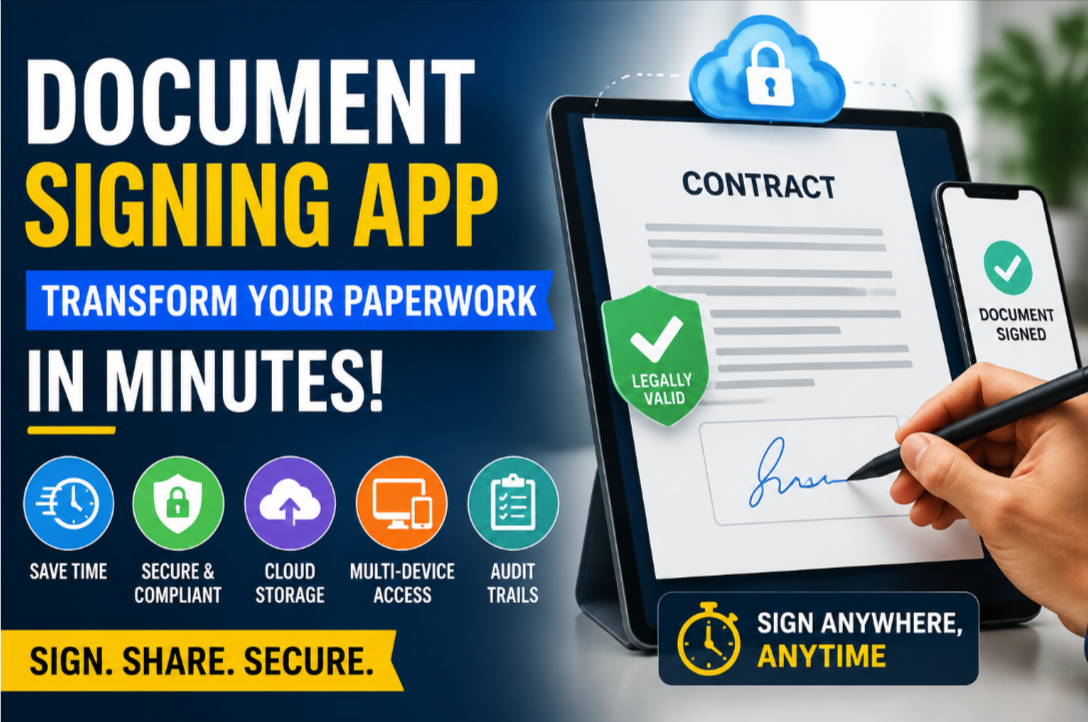
Document Signing App: Transform Your Paperwork in Minutes
Table of Contents
- Benefits of a Document Signing App
- Speed and Efficiency
- Legal Compliance and Security
- Key Features to Look For
- Cloud Storage & Accessibility
- Multi-Device Support
- Audit Trails
- How to Start Using a Document Signing App
- Step-by-Step Setup
- Real-World Applications
- Retail and Business Use Cases
- Remote Work and Collaboration
- Conclusion
- FAQs
Handling contracts, agreements, and official paperwork can be frustrating and time-consuming. A Document Signing App simplifies the process, letting you sign, share, and securely store documents digitally. In this guide, you’ll discover how these apps improve productivity, save time, and maintain legal compliance for your business or retail operations.
Key Takeaways
- Digital signing removes the need for physical paperwork.
- Security features protect your documents and ensure authenticity.
- Efficiency improves with real-time notifications and cloud storage.
- Supports remote teams and multi-device access.
Benefits of a Document Signing App
Switching to a Document Signing App eliminates the inefficiencies of manual paperwork. Digital signatures provide instant access and secure sharing, which is critical for modern businesses.
Speed and Efficiency
Traditional signatures often delay contract approvals. With a digital signing app, you can sign, send, and approve documents in minutes. Automated reminders ensure that all parties respond promptly, keeping operations smooth.
Legal Compliance and Security
Reliable apps use encryption, digital certificates, and multi-factor authentication, guaranteeing your documents remain secure. They comply with legal standards like eIDAS in Europe and the ESIGN Act in the U.S., ensuring your agreements are fully valid.
Key Features to Look For
Choosing the right app ensures your workflow remains seamless.
Cloud Storage & Accessibility
Your documents are safely stored in the cloud, allowing access from any device at any time. This reduces the risk of lost files and supports instant collaboration.
Multi-Device Support
Top apps work across desktop, tablet, and mobile platforms, making it easy for remote teams to sign or approve documents without delays.
Audit Trails
Every action, including signature timestamps and IP addresses, is recorded. This audit trail protects your business in legal disputes and provides accountability for all document activity.
How to Start Using a Document Signing App
Digital signing is easy to implement in your business.
Step-by-Step Setup
- Sign up for the app and verify your account.
- Upload your documents in supported formats (PDF, DOCX, TXT).
- Add signature fields and assign them to recipients.
- Send invitations to signers.
- Track progress through real-time notifications.
- Download and store signed documents securely in the cloud.
Following these steps ensures your team can digitally transform paperwork workflows quickly and effectively.
Real-World Applications
Retail and Business Use Cases
Retail managers rely on these apps for vendor agreements, employee contracts, and supplier documents. Faster approvals reduce bottlenecks and improve operational efficiency.
Remote Work and Collaboration
Remote teams can sign contracts instantly, ensuring projects move forward without waiting for physical signatures. Integration with tools like Google Drive and Dropbox enhances productivity.
Conclusion
A Document Signing App transforms the way businesses handle paperwork. It saves time, enhances security, and improves workflow efficiency. Whether for retail operations or remote collaboration, digital signing is a smart and professional solution.
Start Today: Document Signing App and experience seamless document management instantly.
FAQs
What is a Document Signing App?
A platform for digitally signing, sharing, and securely storing documents.
Are digital signatures legally valid?
Yes, in most countries, including under the U.S. ESIGN Act and EU eIDAS.
Can I use it on multiple devices?
Yes, these apps support desktop, tablet, and mobile devices.
Is my data secure?
Top apps use encryption and multi-factor authentication for security.
Can I track who signed the document?
Yes, audit trails record timestamps and IP addresses for accountability.
Which document formats are supported?
Common formats like PDF, DOCX, and TXT are widely compatible.
Can it integrate with cloud storage?
Yes, apps often connect with Google Drive, Dropbox, and OneDrive for seamless access.
Is it suitable for business contracts?
Absolutely. Many companies use it for contracts, invoices, and HR documents. Learn more about compliance.
Does it support remote teams?
Yes, teams can sign documents instantly from anywhere. Top app comparison here.
What is the cost?
Many apps offer free plans; premium features often require subscriptions.