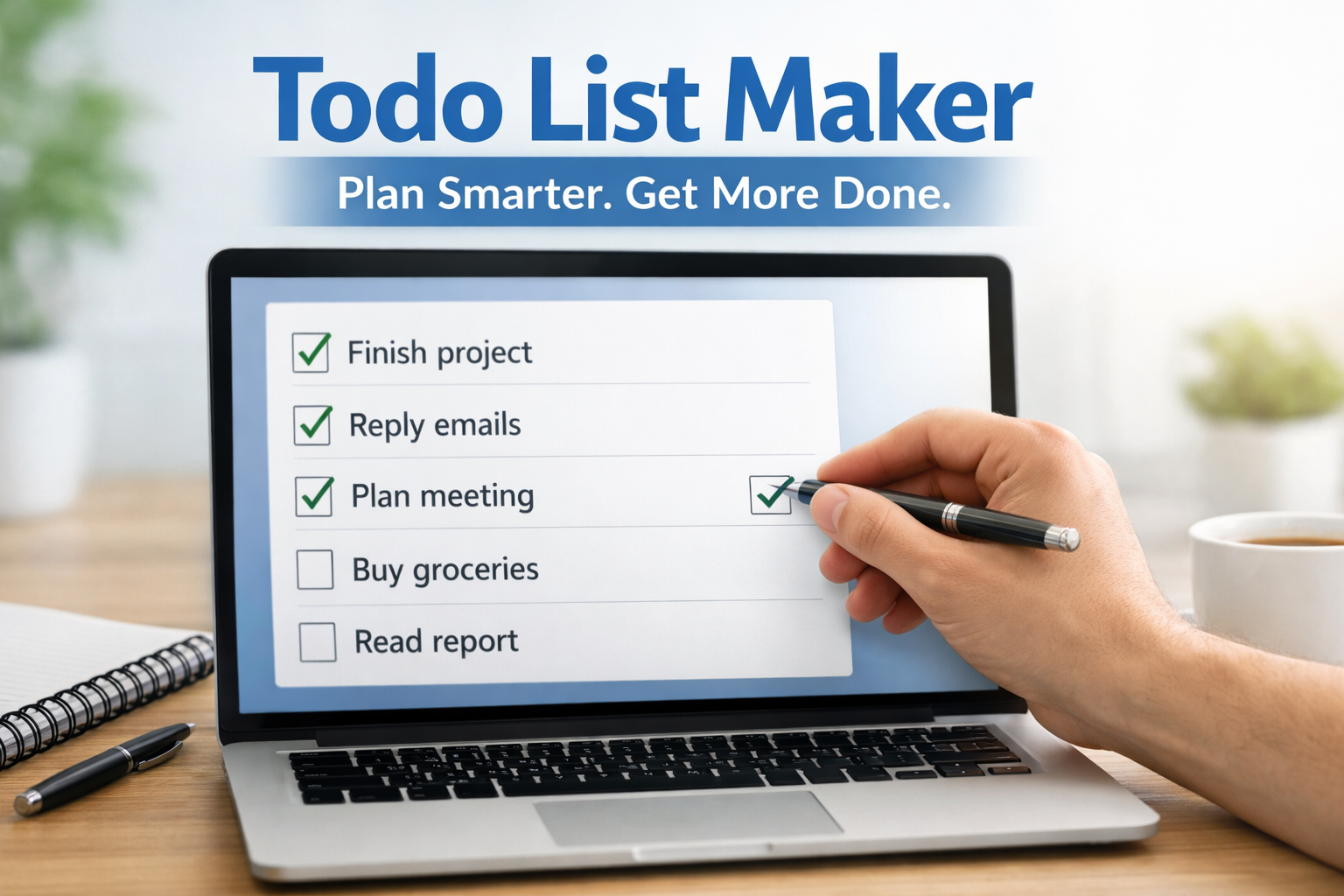
Free Todo List Maker for Easy Daily Task Planning
Table of Contents
Introduction to Todo List Maker
What is a Todo List Maker
Key Features of a Free Todo List Maker
Benefits of Using an Online Todo List
How to Use a Todo List Maker Effectively
Best Use Cases for Different Users
Todo List Maker vs Traditional Methods
Tips to Maximize Productivity with Todo Lists
Common Mistakes to Avoid
Future of Digital Task Management
Conclusion
FAQs
Introduction to Todo List Maker
Have you ever started your day feeling overwhelmed, not knowing where to begin? I’ve been there too. That’s exactly where a todo list maker comes in. It’s like having a personal assistant in your pocket, helping you stay organized and focused.
A todo list maker transforms chaos into clarity. Instead of juggling tasks in your head, you write them down, organize them, and tackle them one by one. It’s simple, but incredibly powerful.
Why Task Planning Matters in Daily Life
Let’s be honest, without planning, most days feel messy. Tasks pile up, deadlines sneak in, and stress builds. When I started using a daily task planner, everything changed. I could actually see what needed to be done.
Planning helps you take control. It turns your day into a roadmap instead of a guessing game. And once you start, it becomes a habit you won’t want to leave.
How a Todo List Improves Productivity
A good online todo list acts like a productivity engine. It tells you what to do next, reducing decision fatigue. No more wasting time thinking about what to start.
It also gives a sense of achievement. Every time you tick off a task, it feels like progress. That small win keeps you motivated throughout the day.
Key Takeaways
- A todo list maker simplifies daily planning
- Helps improve focus and productivity
- Reduces stress and mental clutter
- Works for students, professionals, and freelancers
- Easy to use without technical skills
What is a Todo List Maker
Definition and Core Purpose
A todo list maker is a simple tool designed to help you organize tasks. Think of it as your digital checklist where you write, manage, and track everything you need to do.
Its main purpose is clarity. Instead of keeping tasks in your mind, you move them into a structured system. That alone makes life easier.
How Online Todo List Tools Work
Most tools work directly in your browser. A browser task list lets you add tasks, mark them complete, and manage them in real time.
Many tools even work without login. That means you can create a task list without login, making it fast and convenient for everyday use.
Key Features of a Free Todo List Maker
Easy Task Creation and Management
A good free task manager allows you to create tasks instantly. You type, press enter, and your task is ready.
Managing tasks becomes effortless. You can edit, delete, or rearrange tasks depending on your needs.
Marking Tasks Complete and Tracking Progress
One of my favorite features is checking off tasks. That small action gives a big sense of accomplishment.
It also helps track progress. You can clearly see what’s done and what’s pending, making your workflow smoother.
Simple and User-Friendly Interface
Nobody likes complicated tools. A simple todo app focuses on ease of use.
The interface is clean, distraction-free, and designed to help you focus on what matters most.
Benefits of Using an Online Todo List
Better Time Management
A daily planner online helps you allocate time properly. You know exactly what needs to be done and when.
This reduces wasted time and increases efficiency throughout the day.
Reduced Stress and Mental Clarity
Keeping tasks in your head creates pressure. Writing them down in a productivity checklist clears your mind.
It’s like unloading your brain. Suddenly, everything feels lighter and more manageable.
Increased Focus and Efficiency
When tasks are organized, focus improves automatically. You’re no longer distracted by uncertainty.
A task organizer tool keeps you aligned with your goals and helps you work smarter.
How to Use a Todo List Maker Effectively
Setting Clear Daily Goals
Start your day by listing what you want to achieve. Be specific and realistic.
Clear goals make your online todo list more effective and actionable.
Prioritizing Important Tasks
Not all tasks are equal. Focus on high-priority tasks first.
This ensures you complete the most important work, even if time runs short.
Reviewing and Updating Your List
Your list isn’t static. Update it throughout the day.
Reviewing helps you stay on track and adjust when needed.
Best Use Cases for Different Users
Students Managing Study Tasks
Students can use a daily task planner to manage assignments, exams, and study sessions.
It helps break large tasks into smaller, manageable steps.
Professionals Handling Workload
For professionals, a task organizer tool keeps projects organized.
It helps manage deadlines, meetings, and daily responsibilities efficiently.
Freelancers and Remote Workers
Freelancers often juggle multiple clients. A free task manager helps keep everything under control.
It ensures nothing gets missed and improves overall workflow.
Todo List Maker vs Traditional Methods
Digital vs Paper Lists
Paper lists are simple but limited. They can get lost or messy.
A digital todo list maker is more flexible and easier to update.
Advantages of Online Tools
Online tools offer better organization, accessibility, and convenience.
You can track tasks online anytime, anywhere.
Tips to Maximize Productivity with Todo Lists
Use Short and Actionable Tasks
Keep tasks clear and specific. Instead of “Work on project,” write “Complete project outline.”
This makes tasks easier to start and finish.
Avoid Overloading Your List
Too many tasks can overwhelm you. Keep your list realistic.
Focus on quality, not quantity.
Stay Consistent Daily
Consistency is key. Use your productivity planner free every day.
Over time, it becomes a powerful habit.
Common Mistakes to Avoid
Adding Too Many Tasks
Trying to do everything at once leads to burnout.
Keep your list focused and achievable.
Ignoring Task Priorities
Not prioritizing tasks can waste time on less important work.
Always focus on what matters most.
Not Reviewing Progress
Skipping reviews leads to confusion.
Take time to check your progress daily.
Future of Digital Task Management
AI and Smart Task Planning
Future tools will use AI to suggest tasks and priorities.
This will make planning even smarter and more efficient.
Integration with Productivity Tools
Task managers will integrate with calendars, emails, and other tools.
This creates a complete productivity ecosystem.
Conclusion
A todo list maker is more than just a tool—it’s a habit that transforms your daily life. From managing tasks to boosting productivity, it simplifies everything. I’ve personally seen how powerful it can be when used consistently.
If you want to stay organized, reduce stress, and get more done, start using a simple checklist tool today. It’s one small change that brings big results.
FAQs
1.What is a todo list maker?
It’s a tool that helps you create and manage tasks efficiently.
2.Can I make a todo list online for free?
Yes, many tools allow you to create lists without any cost.
3.How can I manage daily tasks free?
Use a free online task manager to organize and track your tasks.
4.What is the best simple checklist tool?
A tool that is easy to use, fast, and requires no login.
5.Can I track tasks online without signing up?
Yes, many tools offer task tracking without requiring an account.
6.How does a productivity planner free help?
It helps you stay organized, focused, and efficient.
7.Is it possible to organize work tasks easily?
Yes, with a structured task list, managing work becomes simple.
8.What is a task list without login?
A tool that allows task management without creating an account.
9.How to use a quick todo creator?
Just add tasks, prioritize them, and mark them complete.
10.Why use an online todo list instead of paper?
It’s more flexible, accessible, and easier to manage.
👉 Start organizing your day now with a powerful todo list maker