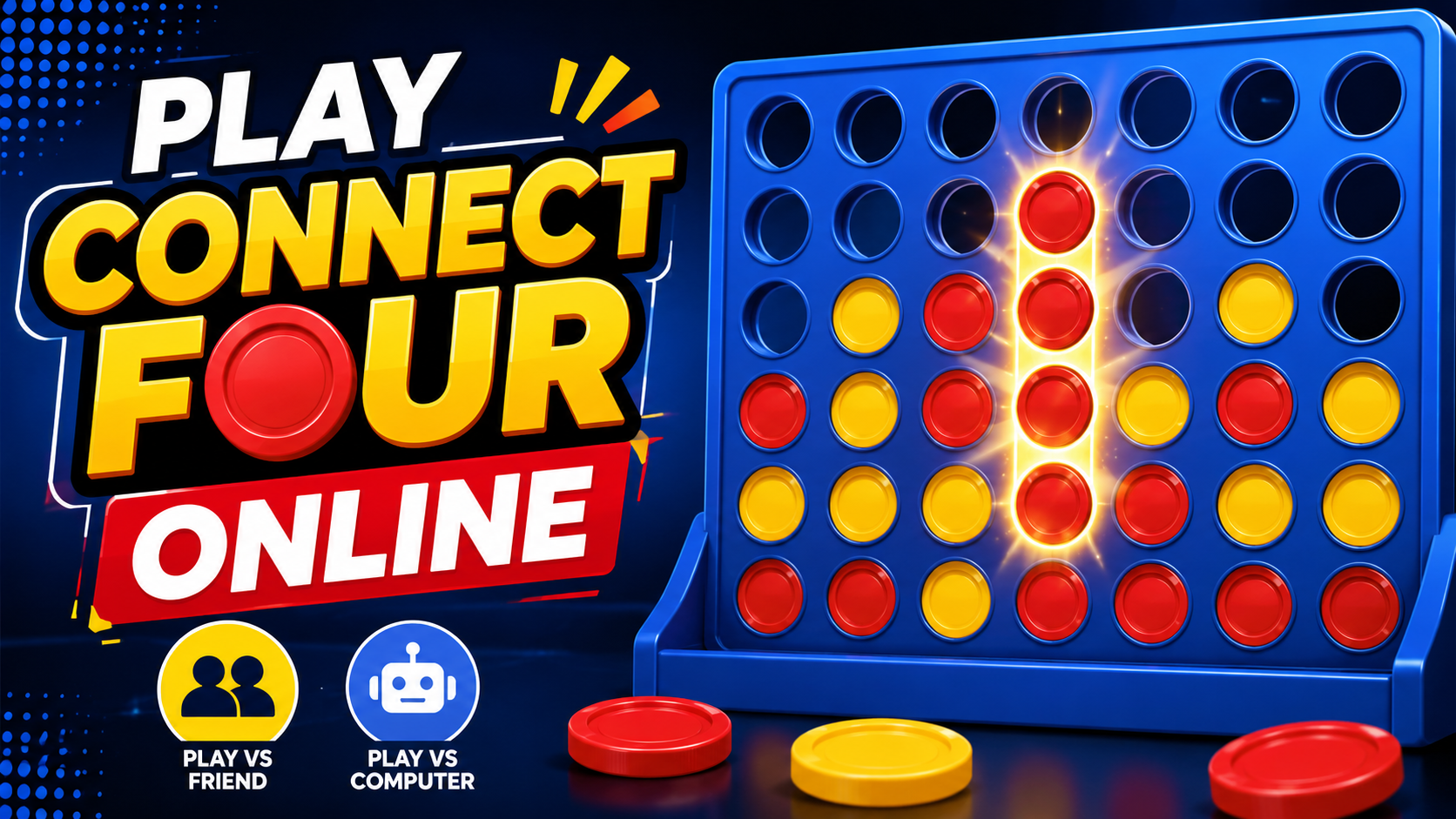
Play Free Online Connect Four Game in Your Browser
A free online Connect Four game allows you to play the classic four in a row strategy game instantly from your browser. Drop colored discs into the grid, build a line of four pieces, and challenge a friend or computer opponent without downloading software. On FreeWWW, you can switch between Player vs Player and Player vs Computer, choose from Easy, Medium, or Hard difficulty, and start a new match in seconds.
The objective is simple, but the choices are not. Every disc changes what can happen next, so a strong move must do two jobs at once: improve your own position and reduce your opponent's chances. That mix of quick rules and forward planning is what gives Connect Four lasting appeal.
Why Play Connect Four Online?
Playing Connect Four online removes the setup and keeps the focus on the decisions that make the game interesting. It is especially useful when you want a short strategy challenge without finding a physical board or arranging pieces.
- Instant browser access with no software installation.
- Player vs Player mode for local head-to-head games.
- Player vs Computer mode for solo practice.
- Easy, Medium, and Hard AI difficulty choices.
- Short matches that are easy to restart and replay.
- Built-in controls for undoing a move, starting a new game, and viewing statistics.
What Is Connect Four?
Connect Four is a two-player strategy game played on a vertical grid. Players take turns dropping colored discs into columns, and each disc falls to the lowest available space. The first player to connect four of their own discs in a continuous horizontal, vertical, or diagonal line wins.
A standard board has seven columns and six rows. That compact layout creates a useful tension: there are enough possible lines to reward planning, but the board is small enough for players to understand the position at a glance. The rules can be explained quickly, while stronger play depends on recognizing threats, controlling useful spaces, and thinking several moves ahead.
How to Play Connect Four Online
The online version follows the same four-in-a-row rules while making each turn fast and clear. A typical match works like this:
- Choose Player vs Player or Player vs Computer.
- If you choose the computer opponent, select Easy, Medium, or Hard difficulty.
- Pick a column and drop your disc. On the FreeWWW game, you can click a column or use number keys 1-7.
- Alternate turns while watching for both your own opportunities and your opponent's threats.
- Win by connecting four matching discs horizontally, vertically, or diagonally before the other player does.
- Start another round when the game ends, or use the New Game control whenever you want a fresh board.
A useful habit is to pause before every move and ask two questions: “Can my opponent win on the next turn?” and “Does this move create more than one future winning path for me?” That small check prevents many beginner mistakes.
Connect Four Game Features on FreeWWW
The FreeWWW version adds practical browser controls around the classic board, which makes it useful for both casual play and repeated practice.
Two game modes: Switch between Player vs Player and Player vs Computer.
Three AI difficulty levels: Choose Easy, Medium, or Hard when you want to practice against the computer.
Undo Move: Reverse the previous move when you are practicing a position or correcting a misclick.
Statistics: Track Player 1 wins, Player 2 wins, draws, and total games.
Keyboard shortcuts: Use number keys 1-7 to drop a disc; the interface also lists U for undo and N for a new game.
Fast replay: Use New Game or Play Again to restart without rebuilding a physical board.
Connect Four Winning Strategies
Successful Connect Four players do more than search for an immediate four-disc line. They try to shape the board so the opponent has fewer safe moves. These beginner-friendly principles can make your decisions more consistent.
Control the Center Columns
Center positions can participate in more possible horizontal and diagonal winning lines than edge positions. That does not mean every first move must be in the middle, but central control usually gives you more flexible ways to build future connections.
Block Immediate Threats Before Attacking
Before placing your disc, scan the board for any playable space that would give your opponent four in a row on the next turn. If one exists, defense normally comes first. Many losses happen because a player focuses on building their own line and overlooks a one-move win on the other side.
Create More Than One Winning Threat
A single threat is often easy to block. A stronger position gives you two different winning moves on the following turn. If your opponent can stop only one of them, the second path remains open. Learning to create these “double threats” is one of the clearest steps from beginner play toward stronger strategy.
Think About Where a Disc Will Land Later
Because discs fall to the lowest open space, an empty winning square may not be playable yet. Sometimes a move that looks harmless supplies the support your opponent needs to reach that square on the next turn. Watch not only the target cell, but also the spaces underneath it.
Plan Several Moves Ahead
The strongest move is not always the move that creates the most obvious pattern now. Try to picture the likely reply and the position after that reply. Even thinking two moves ahead can help you avoid traps and recognize when a tempting move gives away control of an important column.
Common Connect Four Mistakes Beginners Make
Improvement often comes faster when you know what to stop doing. Watch for these common errors:
- Ignoring an opponent who already has three connected discs and a playable fourth space.
- Building only one obvious line that can be blocked with a single defensive move.
- Dropping a disc that unintentionally gives the opponent the support needed for a diagonal win.
- Playing too quickly after spotting an attacking move without checking the whole board.
- Using the edge columns repeatedly while giving up useful central positions without a reason.
Playing Against Friends or a Computer Opponent
Player vs Player and Player vs Computer create different kinds of practice. Against another person, you have to adapt to habits that may be aggressive, defensive, predictable, or surprising. That makes local head-to-head play useful for learning how different people approach the same board.
Against the computer, you can repeat matches at a selected difficulty and focus on specific skills. Easy can help a new player learn the flow of the board, while Medium and Hard provide a stronger test as your pattern recognition improves. Replaying short games also makes it easier to notice which early decisions created problems later.
Why Connect Four Works So Well as a Browser Strategy Game
Connect Four fits the browser format because a complete match can begin quickly and does not require a long tutorial. The board is visual, the goal is immediately understandable, and each turn has a clear consequence. That makes the game suitable for a quick break, a friendly challenge, or focused strategy practice.
The online format also makes experimentation easier. You can restart a board, try a different difficulty, undo a practice move, or play several rounds back to back. Instead of spending time on setup, you spend that time learning how positions develop.
Try More Free Browser Games
If you enjoy quick games that reward pattern recognition and decision-making, you can continue with other FreeWWW browser games:
- Tic-Tac-Toe Game - play against another person or AI and experiment with different starting options.
- Puzzle Slider Game - solve adjustable tile puzzles and track your time and moves.
- Jigsaw Puzzle Creator - turn an image into a browser-based jigsaw challenge.
Ready to Play a Free Online Connect Four Game?
Ready for your next challenge? Play Connect Four online now, choose a friend or computer opponent, and see how well you can balance attack, defense, and forward planning.
Frequently Asked Questions
1. Is Connect Four free to play online?
Answer. The FreeWWW Connect Four game can be played directly in a web browser. You can start a match without buying a physical board or installing game software.
2. Can I play Connect Four online without downloading anything?
Answer. The game runs in the browser, so there is no separate software download required to begin a match.
3. Can I play Connect Four against a friend?
Answer. Choose Player vs Player to take turns on the same game board and compete for the first four-in-a-row connection.
4. Can I play Connect Four against the computer?
Answer. FreeWWW includes a Player vs Computer mode with Easy, Medium, and Hard difficulty choices.
5. What is the objective of Connect Four?
Answer: The goal is to connect four of your own discs in one continuous horizontal, vertical, or diagonal line before your opponent does.
6. What is a good first move in Connect Four?
Answer: A center-column move is often useful because central discs can contribute to more possible winning lines. However, no opening move guarantees success by itself; later responses still determine the game.
7. How can I improve at Connect Four?
Answer: Check for immediate threats before every move, use the center effectively, look for double-threat opportunities, and think about where both your disc and your opponent’s next disc can land.
8. Is Connect Four a strategy game?
Answer: Players must plan their own connections while predicting and blocking an opponent’s possible wins. The board is simple, but the decisions depend on timing, patterns, and future moves.
9. What are common beginner mistakes in Connect Four?
Answer: Common mistakes include ignoring defensive moves, focusing on only one attacking line, overlooking diagonal threats, and making a move that gives the opponent a useful supporting space.
10. What keyboard controls are available in the FreeWWW game?
Answer: The game interface supports number keys 1-7 for dropping a disc into a column. It also lists U for undo and N for starting a new game.