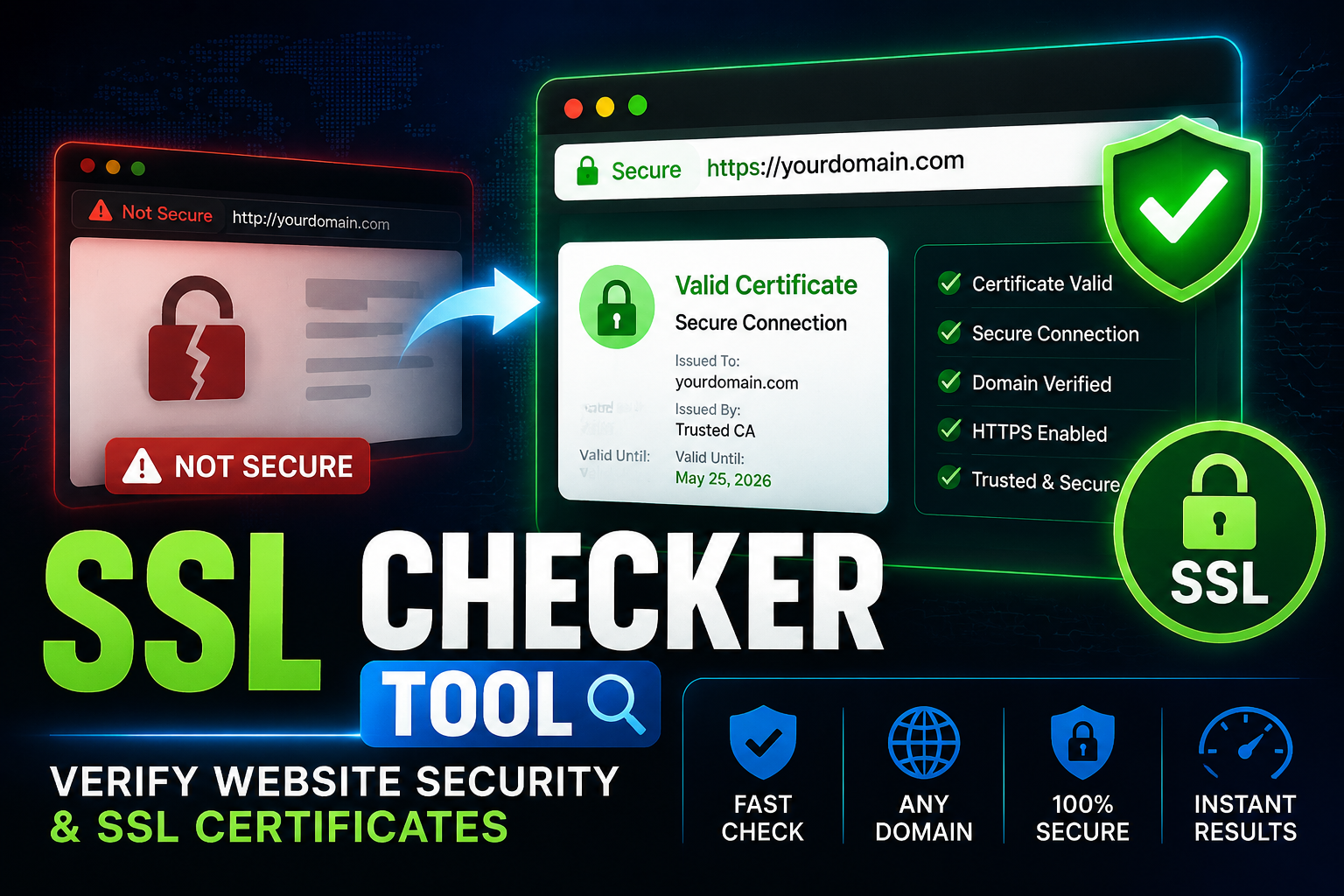
SSL Checker Tool for Website Security and Certificate Validation
What is an SSL checker tool?
An SSL checker tool helps you quickly verify whether a website’s SSL certificate is installed correctly, valid, and secure. SSL (Secure Sockets Layer) enables HTTPS connections by encrypting data between a user’s browser and a website server.
The SSL Checker Tool from FreeWWW allows users to quickly test their domain and understand if their SSL setup is working properly.
Without SSL, websites are marked as “Not Secure,” which can reduce trust, lower search rankings, and increase security risks for users.
Why SSL matters for websites
SSL is no longer optional. It is a standard requirement for modern websites.
When SSL is properly installed:
- User data is encrypted
- Login credentials are protected
- Payment information stays secure
- Browsers show a secure padlock icon
Search engines also prioritize secure websites, meaning SSL directly influences SEO performance.
If SSL expires or is misconfigured, visitors may see warning messages that reduce trust instantly.
How an SSL checker tool works
An SSL checker analyzes a domain’s security certificate and checks multiple technical elements behind the scenes.
When you enter a website URL, the tool examines whether the certificate is valid and properly linked to the domain. It also checks whether the certificate is trusted by browsers and whether it is close to expiration.
Instead of manually checking server configurations, users get a clear overview of SSL health in seconds.
What SSL checker tools help you identify
An SSL checker is useful because it reveals hidden issues that may not be visible on the surface.
It can help detect problems such as expired certificates, incorrect domain matching, missing intermediate certificates, or insecure configurations.
These issues can silently break website trust and cause browsers to block access or show warnings.
By regularly checking SSL status, website owners can prevent downtime and trust issues before they affect users.
Why SSL checking is important for SEO
SSL is a confirmed ranking signal in search engines. Websites using HTTPS are considered more secure and trustworthy.
If SSL is not working properly, it can lead to:
- Lower search visibility
- Higher bounce rates
- Reduced user trust
- Warning pages in browsers
This is why SEO professionals regularly monitor SSL status as part of technical audits.
A working SSL certificate supports both security and search performance at the same time.
Who should use an SSL checker tool?
This tool is useful for anyone managing a website, but especially:
Website owners who want to ensure their domain is secure and trusted by browsers. Developers who need to validate SSL setup after deployment. SEO specialists who monitor technical health of websites. Agencies managing multiple client websites. E-commerce owners handling sensitive customer data. Even small blogs benefit from SSL validation because trust plays a major role in user engagement.
Common SSL problems found in websites
Many websites experience SSL issues without realizing it.
The most common problems include expired certificates, mismatched domain names, missing certificate chains, or incomplete HTTPS setup.
These issues often appear after hosting changes or forgotten renewals. An SSL checker helps identify these problems early so they can be fixed before affecting users.
How to use the SSL Checker Tool
Using an SSL checker is simple. You enter your domain name into the tool and run the check. The system then analyzes your SSL certificate and displays the results.
You can quickly see whether your website is secure or if any action is needed.
Best practices for SSL security
Maintaining SSL health is an ongoing process, not a one-time setup. Website owners should ensure certificates are renewed before expiration, use trusted certificate authorities, and regularly test SSL status after server updates. Automating SSL renewal and monitoring helps prevent unexpected downtime and security warnings.
Conclusion
An SSL checker tool is a simple but essential utility for maintaining website security and trust. It ensures that your SSL certificate is valid, properly configured, and protecting your users.
For developers, marketers, and business owners, it is a critical part of website maintenance and SEO health.
Check your website’s security instantly with the FreeWWW SSL Checker Tool and ensure your SSL certificate is valid, trusted, and up to date.
FAQs
1. What is an SSL checker tool?
Ans: It is a tool that verifies whether a website’s SSL certificate is valid, properly installed, and secure for HTTPS connections.
2. Why is SSL important for websites?
Ans: SSL encrypts data between users and websites, protecting sensitive information and improving trust and SEO rankings.
3. What happens if SSL expires?
Ans: If SSL expires, browsers may show “Not Secure” warnings, and users may avoid accessing the website.
4. How can I learn more about HTTPS security?
Ans: You can read more about web security and HTTPS standards here: Mozilla HTTPS Security Guide
5. Can SSL affect SEO?
Ans: Yes, SSL is a ranking factor. Secure HTTPS websites are preferred in search engine results.
6. How often should I check SSL status?
Ans: It is recommended to check SSL status regularly, especially after updates or before certificate renewal dates.
7. What issues can an SSL checker detect?
Ans: It can detect expired certificates, incorrect installation, domain mismatches, and missing certificate chains.
8. Is SSL required for all websites?
Ans: Yes, modern browsers expect all websites to use HTTPS for security and trust reasons.
9. What is the difference between HTTP and HTTPS?
Ans: HTTP is unencrypted, while HTTPS uses SSL/TLS encryption to secure data transfer between browser and server.
10. Where can I get official SSL documentation?
Ans: You can learn more from Google’s web security guidelines: Google Web Security & HTTPS Best Practices