The Data Analyst's Toolkit: Free Online Tools for Data Professionals
8Mar

The Data Analyst's Toolkit: Free Online Tools for Data Professionals

Data analysts spend their days turning raw numbers into meaningful stories. Whether you're cleaning messy spreadsheets, running statistical tests, building charts for stakeholders, or just trying to get a quick read on a new dataset, the work demands a constant rotation of specialized tools. Many of the industry-standard options come with steep learning curves or subscription fees, which can be a real barrier — especially for freelancers, students, or analysts at smaller organizations.

FreeWWW offers hundreds of free, browser-based tools that require no account and no downloads. In this post, we've grouped nearly twenty of the most useful ones into five categories that mirror a typical data analysis workflow: exploring your data, visualizing your findings, running statistical analysis, cleaning and transforming data, and working with databases and conversions. Whether you're a seasoned analyst or just breaking into the field, there's something here worth bookmarking.


Explore and Understand Your Data

Every analysis starts with getting to know your data, and that initial exploration phase can set the direction for everything that follows. The CSV Data Viewer & Explorer is a natural first stop — upload any CSV file and immediately see summary statistics, charts, and correlations without writing a single line of code. It's the kind of tool that helps you spot issues, outliers, and interesting patterns before you commit to a direction.

Once you have a feel for the data, the Pivot Table Builder lets you slice and summarize it interactively, building pivot tables right in your browser by arranging fields into rows, columns, and values. When you need to ask more precise questions, the SQL Playground gives you a full SQL environment where you can write and run queries, view results in sortable tables, and export your work — all without needing access to a database server. And for analysts working with text-heavy datasets like survey responses, support tickets, or social media data, the Word Frequency Analyzer provides a quick way to surface the most common terms and patterns in a body of text. Together, these tools cover the full spectrum of data exploration, from a first glance at a CSV to structured querying and text mining.


Visualize and Present Your Findings

An analysis is only as good as its ability to communicate, and the right visualization can convey in seconds what a table of numbers struggles to express in minutes. The Graph Generator is the flagship tool here, supporting over twelve chart types — including line, bar, pie, scatter, heatmap, Sankey, and funnel charts — with options to import data manually, paste it in, or upload CSV and Excel files. It exports to PNG, JPG, SVG, and PDF, so your visuals are ready for reports and presentations without extra steps. For more mathematically oriented visualizations, the Graphing Calculator lets you plot functions, explore graphs interactively, and perform analysis — useful when you're modeling trends or illustrating mathematical relationships in your data.

Not every insight is best captured in a traditional chart, though. When you need to show how different segments, categories, or datasets overlap, the Venn Diagram Generator provides a clean way to map out set relationships. And for documenting data pipelines, ETL processes, or decision logic, the Flowchart Creator helps you build clear process diagrams that make your methodology transparent to colleagues and stakeholders. Having all four of these in your back pocket means you're covered whether the deliverable is a polished executive dashboard or an internal process document.


Statistical Analysis

Statistics are the backbone of data analysis, and this is where FreeWWW offers a particularly strong lineup. The Statistics Calculator Suite handles the core descriptive and inferential calculations that analysts reach for daily — the kind of foundational math that turns raw data into defensible conclusions.

When you're designing a study, survey, or A/B test, knowing the right sample size up front is critical. The Sample Size Calculator takes the guesswork out of that planning step by letting you define your confidence level, margin of error, and population size to arrive at a precise target. Once your data is collected, the p-Value Calculator lets you test statistical significance using t-tests, z-tests, chi-square tests, and correlation analysis. For quick arithmetic during analysis — exponents, logarithms, trigonometric functions, and the like — the Scientific Calculator is a reliable browser-based option that supports both degree and radian modes. And while it may seem basic, the Percentage Calculator earns its place here because percentage calculations come up constantly in analytical work, from computing growth rates to expressing proportions, and having a dedicated tool saves time and avoids mental math errors.


Data Cleaning and Transformation

Ask any data analyst what takes up most of their time and the answer is almost always the same: cleaning the data. The Regex Learning & Testing Tool is invaluable for building and testing the regular expressions you need to extract, match, and transform messy text data. Whether you're parsing inconsistent phone numbers, pulling dates out of freeform fields, or validating email formats, having a live testing environment makes writing patterns far less error-prone.

On the format side, the Data Format Converter handles conversions between JSON, XML, CSV, and other common formats — a frequent need when pulling data from APIs or merging multiple sources. The JSON Formatter complements it by letting you format and validate JSON, which is essential when you're working with API responses or debugging data feeds. And when the challenge is less about format and more about consistency — standardizing date representations, normalizing category names, or cleaning up whitespace issues — the Data Standardizer helps bring uniformity to messy datasets. These four tools together address the most common friction points in getting data from "raw" to "ready for analysis."


Database, Conversion, and Reference Tools

Understanding the structure of a database is just as important as querying its contents, and the SQL Schema Visualizer makes that structure easy to see. Paste in SQL CREATE TABLE statements or DBML markup and get a visual diagram of your schema, complete with table relationships. It's a fast way to orient yourself when working with an unfamiliar database or to document an existing one for your team. The SQL Playground also belongs in this category — beyond its usefulness for data exploration, it serves as a zero-setup practice environment for writing and refining queries, whether you're preparing for a technical interview or testing a complex JOIN before running it in production.

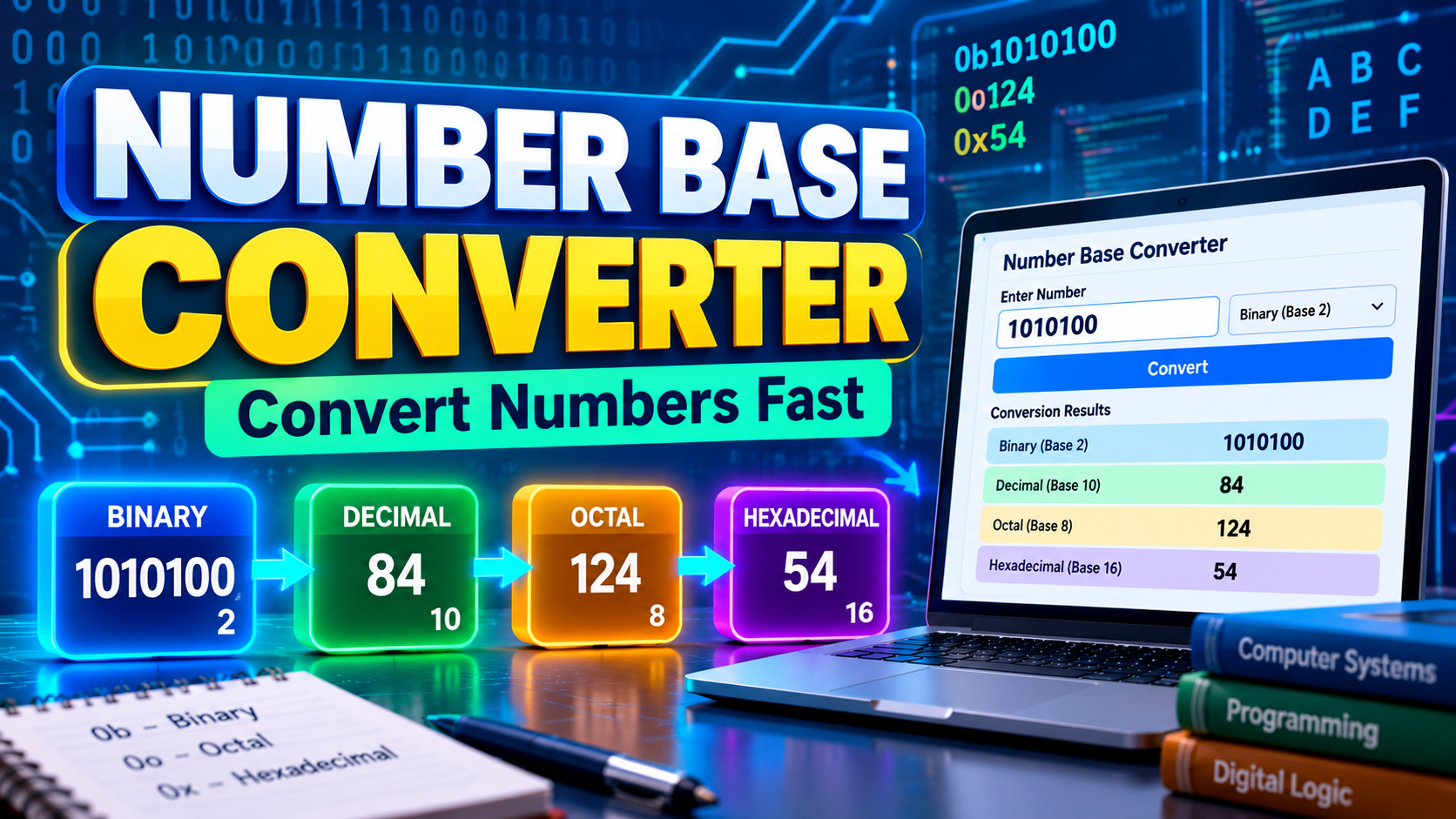
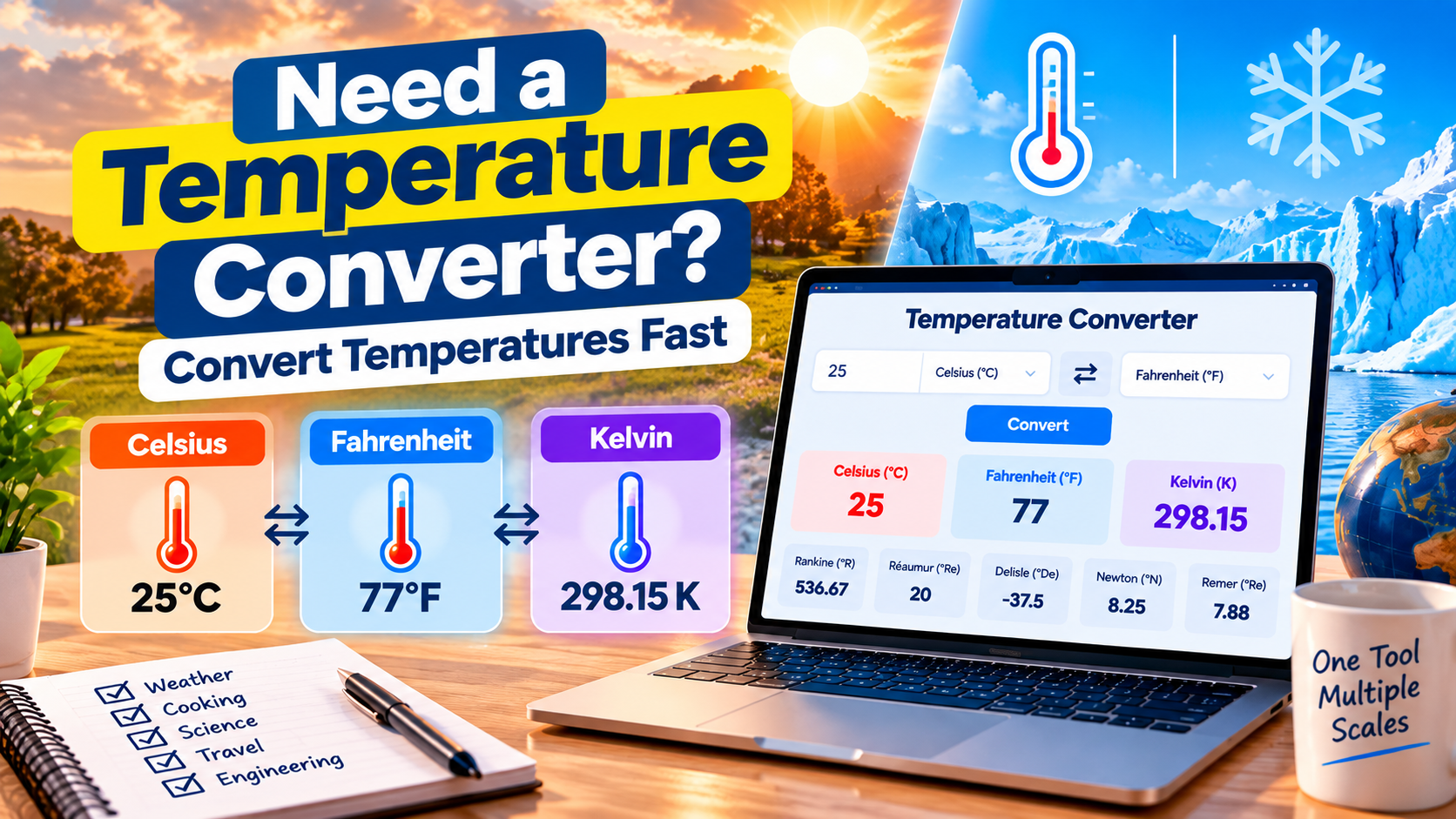
Rounding out the toolkit are two conversion tools that analysts tend to reach for more often than you might expect. The Unit Conversion Tool covers nine categories including length, weight, volume, and temperature, which matters whenever you're working with international datasets or scientific data that mixes metric and imperial units. The Number Base Converter handles conversions between binary, decimal, hexadecimal, and other bases — handy when you're working with encoded data, bitwise flags, or low-level data formats.


Start Exploring

These nineteen tools cover a wide swath of the data analyst's daily workflow, but they're just a fraction of what's available on FreeWWW. Whether you need a mind map to brainstorm your analysis approach, a timer to keep yourself on track during a deep-focus session, or a word cloud generator to visualize text data, chances are there's a tool that fits. Explore these and hundreds more at FreeWWW.com — all completely free, no account required.

Topics:

Tags: