Free Word Scramble Game: 3 Levels, Timer, No Signup
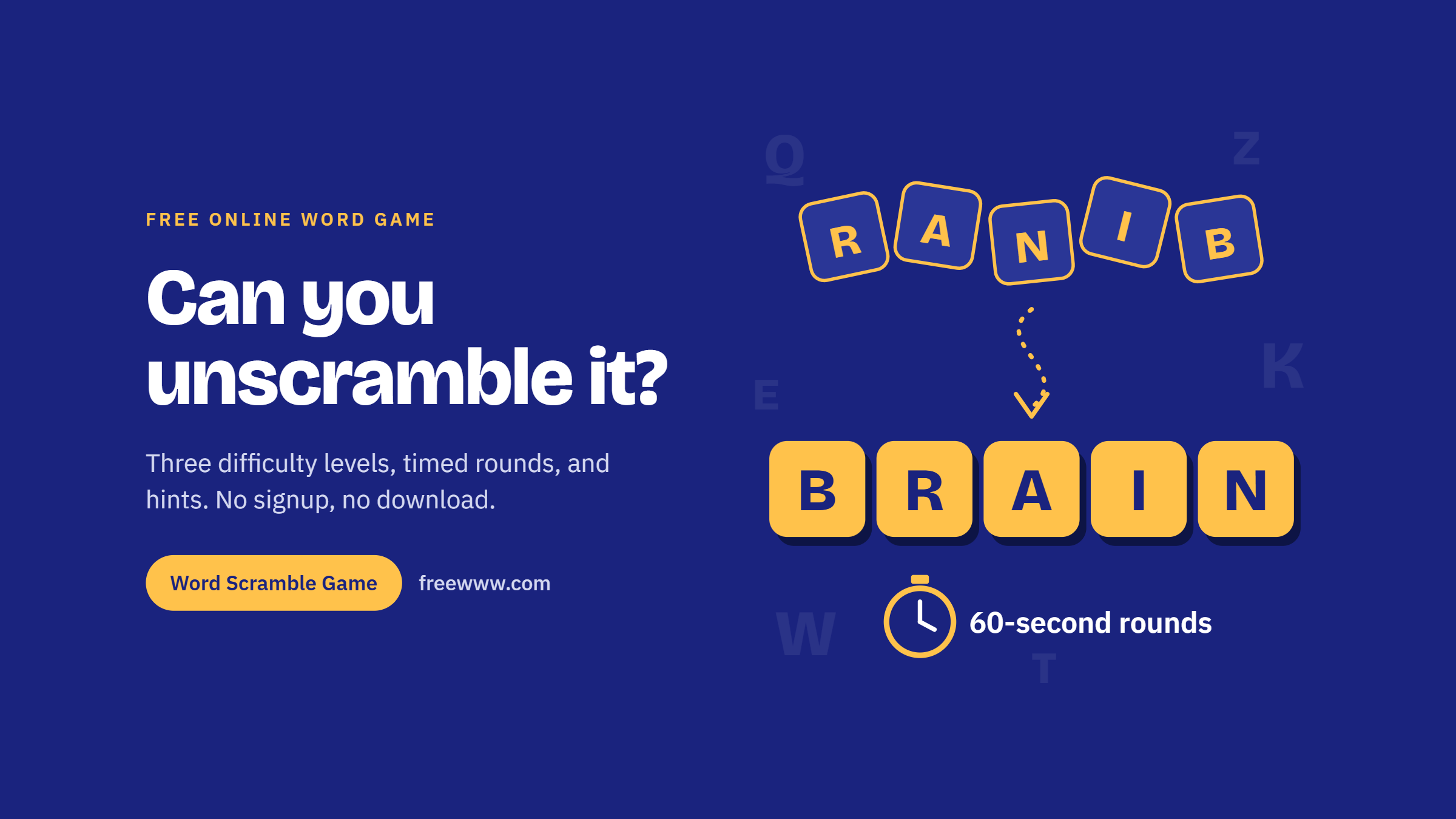
Look at these letters: R, A, N, I, B. Your brain is already shuffling them, testing pairs, discarding nonsense, and probably landing on BRAIN within a few seconds. That small jolt of recognition is the whole appeal of word puzzles, and it is exactly what a good free word scramble game delivers, round after round.
FreeWWW’s free word scramble game is an online word puzzle where you rearrange shuffled letters into the correct English word. You can play in your browser with no signup or download, choose Easy, Medium, or Hard difficulty, and use timer modes, hints, skips, and score tracking to make each round more challenging.
What Is a Word Scramble Game?
A word scramble shows you the letters of a real word in random order, and your job is to rearrange them back into that word. It is a close cousin of the anagram, except each round has one target word to find.
The puzzle rewards pattern recognition more than raw knowledge. Common letter clusters such as "-ing," "th," "qu," or "-tion" act as anchors. Spotting them early is what separates a two-second solve from a two-minute stare.
Scrambles also have a long history in print. Newspaper puzzles built on the same idea have run for decades, and the format moved naturally onto screens, where instant feedback and scoring make every round faster than pencil and paper.
Why This Free Word Scramble Game Stands Out
Most word scramble pages give you jumbled letters and stop there. FreeWWW keeps the game simple, but adds the things players actually notice after a few rounds: difficulty control, timer choices, hints that affect your score, and a dashboard that shows whether you are improving.
Three Difficulty Levels
- Easy: 4 to 6 letters, ideal for younger players and warm-ups.
- Medium: 7 to 9 letters, the default setting and a solid daily challenge.
- Hard: 10 or more letters, where you need real strategy rather than lucky guesses.
Four Timer Modes
Play relaxed with no timer, or race the clock with 60-second, 2-minute, or 5-minute rounds. Short rounds are great for a quick burst of focus, while longer ones suit a proper practice session.
Tap or Type
Tap the letter tiles to build your answer, or type it with your keyboard. Tapping feels natural on a phone, and typing is faster on a laptop or desktop keyboard. A Clear button resets your attempt, and Re-scramble shuffles the same letters into a new order when you get stuck on one arrangement.
Hints, Skips, and Honest Scoring
Every hint costs 5 points, so using one is a real decision instead of a free pass. If a word truly defeats you, Skip Word moves you on. Your dashboard tracks score, words solved, accuracy, time remaining, and your best score, so you always know whether you are improving.
Thousands of English Words
The dictionary holds thousands of English words, so rounds rarely repeat. That variety keeps the game useful long after the first session. Because words are drawn at random, two players on the same level will rarely see the same sequence, which keeps score comparisons fair.
How to Play the Word Scramble Game
- Open the game page and choose a difficulty level.
- Pick a timer mode, or select No Timer for a relaxed, untimed round.
- Click New Game to load your first randomly scrambled word.
- Tap tiles or type your answer, then press Submit Guess.
- Use Re-scramble, Get Hint, or Skip Word when you need help.
- Track your accuracy and try to beat your best score.
What Regular Play Gives You
A word scramble looks simple, but it gives your brain a real workout. You have to hold the letters in memory, test possible patterns, reject wrong combinations, and pull the right word from your vocabulary before the round slips away.
For Students and Teachers
Scrambles are a long-standing classroom tool for spelling practice because they force attention to letter order. Easy mode works for early readers, while Hard mode challenges older students with longer, less familiar words. Teachers can project the game for a five-minute class warm-up.
For Adults Who Want a Mental Break
A 60-second round is a better break than scrolling a feed. You come back to work having done something active, and the score gives you a small, clear win. Each round is self-contained, so you can stop whenever you like without a level map or progress bar nagging you to continue.
For Families and Friendly Rivals
Take turns on the same device and compare scores. The visible best score turns a casual round into a friendly competition. For younger kids, choose Easy mode with no timer and let them read each guess aloud before submitting.
Strategies That Actually Work
- Hunt for endings first. Check whether "-ed," "-er," "-ing," or "-ly" can be built from the letters.
- Separate vowels and consonants. Seeing the consonant skeleton often reveals the word.
- Use Re-scramble before Hint. A fresh arrangement is free; a hint costs points.
- Say letter pairs aloud. Hearing combinations helps your brain recognize real syllables.
- Test common first letters. Letters such as S, C, P, and T start many English words, so try them in the first slot.
- Save hints for long words. On Hard mode, a single hint can unlock a word you would otherwise skip.
Free Word Scramble Game vs. Downloaded Apps
App-store word games often ask for installs, accounts, and storage space. A browser-based free word scramble game skips all of that. It loads in seconds on a phone, tablet, or computer, and you can switch devices without setting anything up again. There is also nothing to update, uninstall, or clear out when you finish playing.
That no-install setup is especially useful in classrooms, on shared family devices, or on work laptops where downloading a game is not realistic.
Ready to Unscramble Your First Word?
You already solved BRAIN at the top of this page. The next word is waiting, and it might be easy, or it might be twelve letters long.
Whether you have one spare minute or twenty, a round fits the time you have. Choose your level, set the timer, and see how high your score can climb.
Want to start now? Open the free word scramble game, choose a difficulty level, and try your first round in seconds
Frequently Asked Questions
1. What is a word scramble puzzle?
Answer: A word scramble gives you the letters of a real word in random order, and you rearrange them to find the original word. It is a type of anagram puzzle, built around a single target word per round.
2. How many difficulty levels does the Word Scramble Game have?
Answer: Three. Easy uses words of 4 to 6 letters, Medium uses 7 to 9 letters, and Hard uses words of 10 letters or more. Medium is selected by default when you open the game.
3. Is the Word Scramble Game really free?
Answer: Yes. It is free to play in your browser, with no signup, no account, and no download required. Open the page, pick a level, and start a new game.
4. How do hints work?
Answer: Each time you press Get Hint, you get help toward the answer and lose 5 points from your score. Try Re-scramble first, since a fresh letter order costs nothing and often reveals the word.
5. What timer options are available?
Answer: You can play with no timer, or choose 60-second, 2-minute, or 5-minute rounds. Shorter rounds suit a quick break, while longer rounds work well for focused practice or classroom sessions.
6. Can I play on a phone or tablet?
Answer: Yes. The game runs in a mobile browser, and you can tap the letter tiles to build your answer. On a computer, you can type your guess with the keyboard instead.
7. What does the Re-scramble button do?
Answer: Re-scramble shuffles the same letters into a new random order. It does not change the target word or cost points, so it is the best first move when an arrangement has you stuck.
8. Is word scrambling good for kids learning to spell?
Answer: It is a popular spelling activity because it makes players focus on letter order. Start children on Easy mode with no timer, and move them up to Medium once they solve most words without hints.
9. Where do word scramble puzzles come from?
Answer: The format is old and widely loved in print. The newspaper puzzle Jumble has run since the 1950s, and online versions add instant feedback, timers, and automatic scoring.
10. How can I improve my score?
Answer: Look for common endings like "-ing" or "-ed" first, separate vowels from consonants, and use Re-scramble before spending points on a hint. Watch your accuracy stat to see whether careful guessing pays off over time.