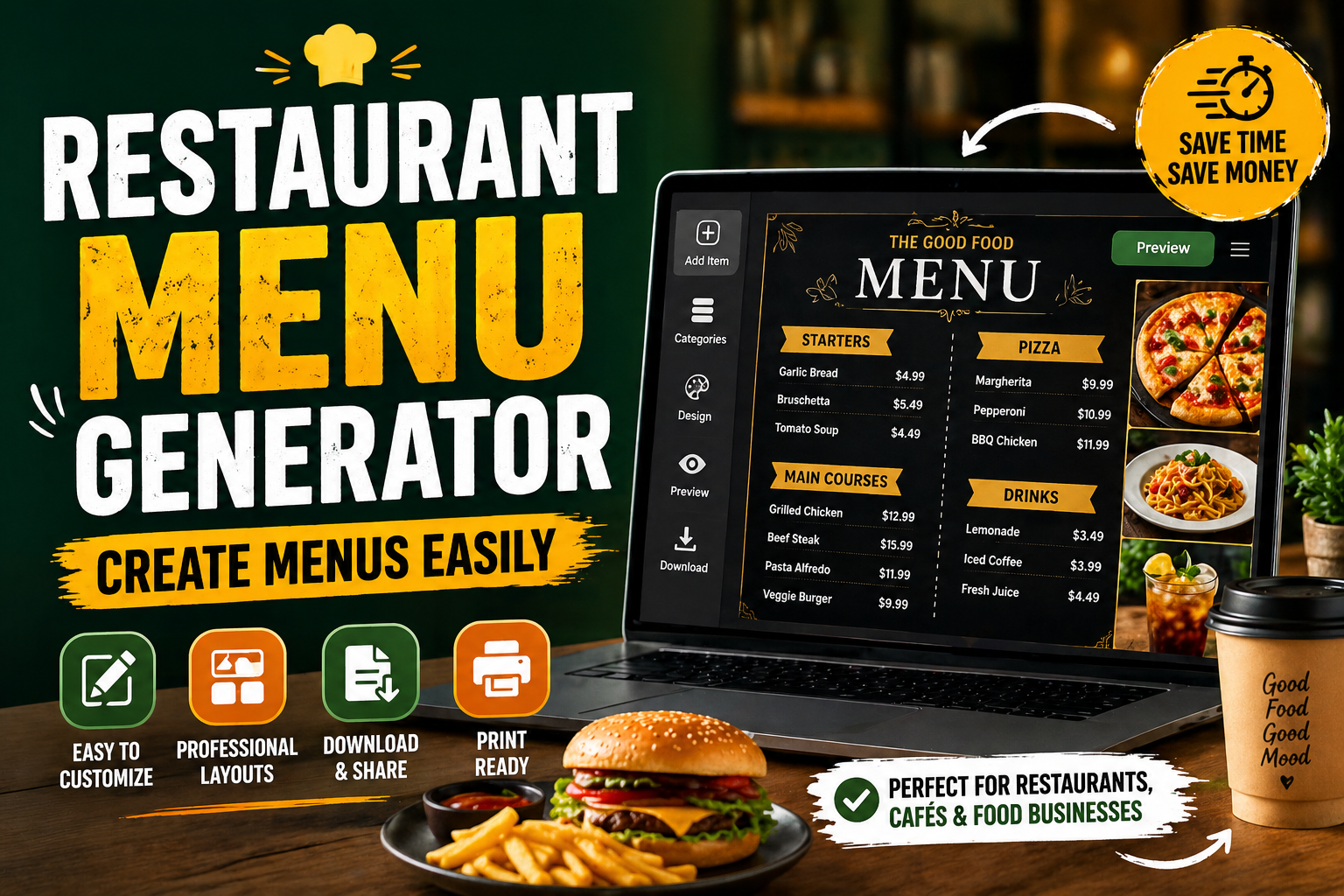
Restaurant Menu Generator: Create Menus Easily
Table of Contents
- Introduction to Restaurant Menu Generators
- Why Every Food Business Needs a Menu Generator
- Key Features of a Restaurant Menu Generator
- How to Use a Restaurant Menu Generator
- Benefits of Using a Menu Generator Tool
- Use Cases for Different Food Businesses
- Tips for Creating an Effective Menu
- Conclusion
- FAQs
Introduction to Restaurant Menu Generators
Let’s be honest creating a menu sounds simple until you actually sit down to do it. You start with a few dishes, then suddenly you're stuck deciding layout, pricing, descriptions, and design. That’s exactly where a Restaurant Menu Generator comes in. Think of it like a shortcut that saves time and removes all the stress from menu creation.
A menu creation tool is designed to help you build structured, professional menus without needing design skills. Whether you run a restaurant, café, or even a small home-based food business, this tool acts like your digital assistant. Instead of struggling with formatting, you can focus on what really matters your food.
Key Takeaways
- A Restaurant Menu Generator simplifies menu creation for all types of food businesses
- It works as a digital menu builder with structured layouts
- Helps save time, reduce costs, and improve presentation
- Ideal for restaurants, cafés, cloud kitchens, and startups
- Makes updating menus fast and effortless
Why Every Food Business Needs a Menu Generator
Running a food business is already challenging. Adding design and formatting work on top of that can slow everything down. That’s why tools like a food menu generator are becoming essential.
Simplifying Menu Creation Process
Creating a menu manually is like cooking without a recipe it takes time, and mistakes are common. A menu layout creator organizes everything for you. You just input your dishes, and the structure is automatically handled.
It feels like assembling a puzzle where all the pieces already fit. You don’t need to think about alignment, spacing, or consistency. Everything looks clean and professional from the start.
Saving Time and Reducing Costs
Hiring a designer for menus can be expensive, especially for small businesses. With an online menu maker, you skip that cost completely.
Also, think about the time saved. What used to take hours or even days can now be done in minutes. That’s time you can invest in improving your food or customer service.
Key Features of a Restaurant Menu Generator
A good restaurant menu design tool isn’t just about looks it’s about function. Let’s break down the features that actually make a difference.
Easy Menu Layout Creation
The biggest advantage is simplicity. You don’t need to drag elements or adjust alignment manually. The tool handles the layout automatically.
It’s like using a template, but smarter. The structure adapts as you add more items, keeping everything organized.
Customizable Menu Sections
Menus aren’t one-size-fits-all. You need flexibility to create sections like starters, mains, desserts, and drinks.
A menu creation tool allows you to customize sections easily. You can add, remove, or rearrange categories based on your business needs.
Price and Description Formatting
Consistency is key in menus. A food menu generator ensures that prices and descriptions are aligned properly.
No more uneven spacing or messy formatting. Everything looks clean, which improves readability and customer experience.
Digital and Printable Menu Options
Modern menus are not just printed anymore. You need digital versions for websites, QR codes, and social media.
A digital menu builder allows you to create menus that work both online and offline. It’s flexible and future-ready.
How to Use a Restaurant Menu Generator
Using a Restaurant Menu Generator is surprisingly simple. Even if you’re not tech-savvy, you’ll get the hang of it quickly.
Step-by-Step Menu Creation Process
First, start by adding your menu sections. Then input your dishes, descriptions, and prices.
Within minutes, the tool generates a clean layout. It’s almost like magic you input raw data, and it turns into a professional menu.
Organizing Categories and Items
Organization matters more than you think. Grouping similar items together helps customers make decisions faster.
A good menu layout creator helps you structure categories logically. This improves both usability and sales.
Benefits of Using a Menu Generator Tool
Why switch to a tool instead of doing it manually? The answer is simple efficiency and quality.
Professional Presentation
First impressions matter. A well-structured menu makes your business look more professional.
Even if you’re just starting out, a restaurant menu design tool gives you the same polished look as big brands.
Quick Updates and Flexibility
Menus change all the time. Prices update, new dishes are added, and old ones are removed.
With an editable menu template, you can make changes instantly. No need to redesign everything from scratch.
Use Cases for Different Food Businesses
This tool isn’t limited to restaurants. It works for almost any food-related business.
Restaurants and Cafés
Traditional restaurants and cafés benefit the most. A clear menu improves customer experience and speeds up ordering.
Whether you need a printed menu or a café menu design, this tool handles both easily.
Cloud Kitchens and Home-Based Food Businesses
For cloud kitchens, digital menus are everything. A QR menu creation feature allows customers to access menus instantly.
Home-based businesses can also use it to look more professional and attract more customers online.
Tips for Creating an Effective Menu
A tool helps, but strategy matters too. Let’s look at some practical tips.
Writing Clear Descriptions
Descriptions should be simple and appealing. Avoid long, complicated sentences.
Think of it like storytelling just enough detail to make the dish sound irresistible.
Structuring Menu for Better Sales
Place high-profit items where customers look first. Use categories wisely.
A smart structure guides customers naturally, increasing sales without being pushy.
Conclusion: Why Restaurant Menu Generators Are Essential
At the end of the day, a Restaurant Menu Generator is more than just a tool it’s a time-saver, cost-cutter, and business booster. It removes complexity and lets you focus on what really matters serving great food.
Whether you’re running a restaurant, café, or starting a food business, this tool gives you a professional edge. Simple, fast, and effective that’s exactly what modern businesses need.
Ready to create your menu in minutes?
Click here to use the Restaurant Menu Generator now!
FAQs
1. What is a Restaurant Menu Generator?
It is a tool that helps create structured and professional menus quickly without design skills.
2. Is a menu creation tool suitable for beginners?
Yes, it’s designed to be simple and easy for anyone to use.
3. Can I use it as a digital menu builder?
Yes, you can create both digital and printable menus.
4. Does it support QR menu creation?
Many tools allow you to use menus for QR-based access.
5. Is it useful for café menu design?
Absolutely, it works perfectly for cafés and small food businesses.
6. Can I edit my menu later using an editable menu template?
Yes, you can update items, prices, and sections anytime.
7. Is this tool helpful for food business tools overall?
Yes, it improves efficiency and presentation for any food business.
8. Does it replace graphic designers?
For basic menus, yes. For advanced branding, designers may still be needed.
9. Can I use it for online platforms?
Yes, it’s ideal for websites and delivery platforms.
10. Is it better than manual menu creation?
Yes, it’s faster, cleaner, and more efficient.